
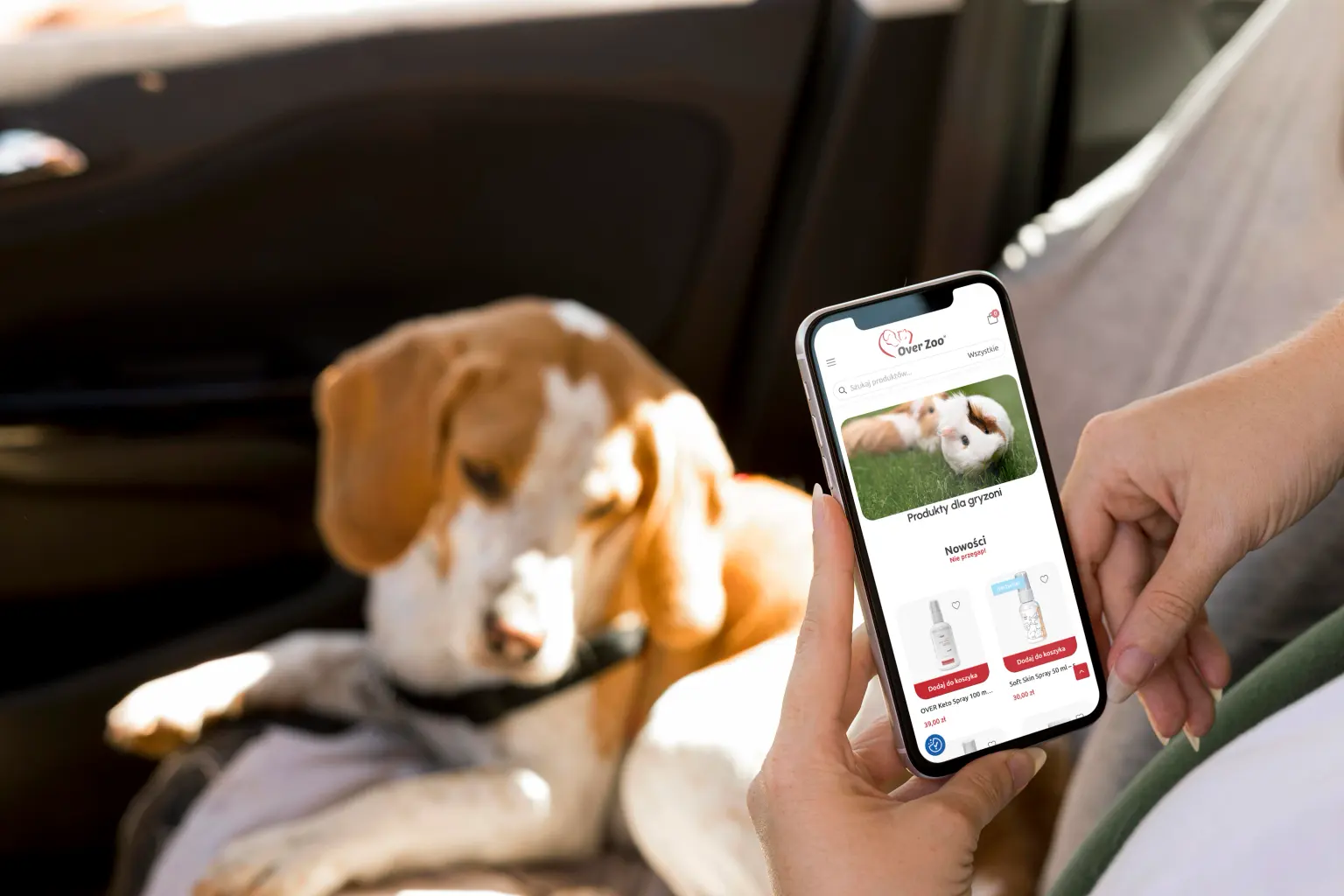
Store migration from Shoper and a redesigned purchase path
OVER Zoo – a pet store run by a maker of food, supplements and grooming products
over-zoo.pl belongs to a brand within OVER Group that makes its own food, supplements and grooming products for dogs, cats and small pets. The store ran on Shoper and it sold — the trouble started whenever the brand wanted to change something. Every idea ended in the question of whether the platform allowed it, rather than whether it was good for the customer.
Migrating to WooCommerce was the starting point, not the goal. The real work began where the data export ends: a new category tree, a redesigned homepage, purchase paths rebuilt from scratch, and a cart and checkout worked out for conversion rather than for whatever a template offered.
Stage 1
Information
architecture
-

Catalogue audit and data mapping
-

New category tree
-

UX scenarios and purchase paths
Migrating a catalogue is a design decision, not a file export
Shoper let us export the products. It could not export the logic they had been arranged by — and that logic had accumulated in layers over the years: each new product line went wherever there happened to be room, so the structure reflected the company’s history rather than the way people search.
So before anything was imported, a new category tree was built, along with an “old path → new path” mapping for every item in the catalogue. That document was the navigation design and the import specification at once — a single source of truth for the designer and for whoever loaded the data.
Animal first, need second
The catalogue splits first by species — dogs, cats, small pets — and only then by need: food, grooming, health, and below that shampoos, brushes, dermatology or fleas and ticks. That order is not obvious; in a cosmetics store it would be the other way round.
In a pet store, though, nobody buys “shampoo”. They buy shampoo for a dog — and at that moment a product for cats is not so much useless as confusing. Species is the first filter in the customer’s head, so it has to be the first filter in the navigation.
The complication appears a level down: some preparations are shared across species. Rather than duplicating product pages, the same product belongs to several branches, and the breadcrumbs show the one the customer actually came in through. Alongside the species axis run cross-cutting entry points — New, Bestsellers and Offers — for people arriving without a specific product in mind.
Stage 2
Design
-

Homepage redesign
-

Product page and listing
-

Cart and checkout
A homepage that guides rather than displays
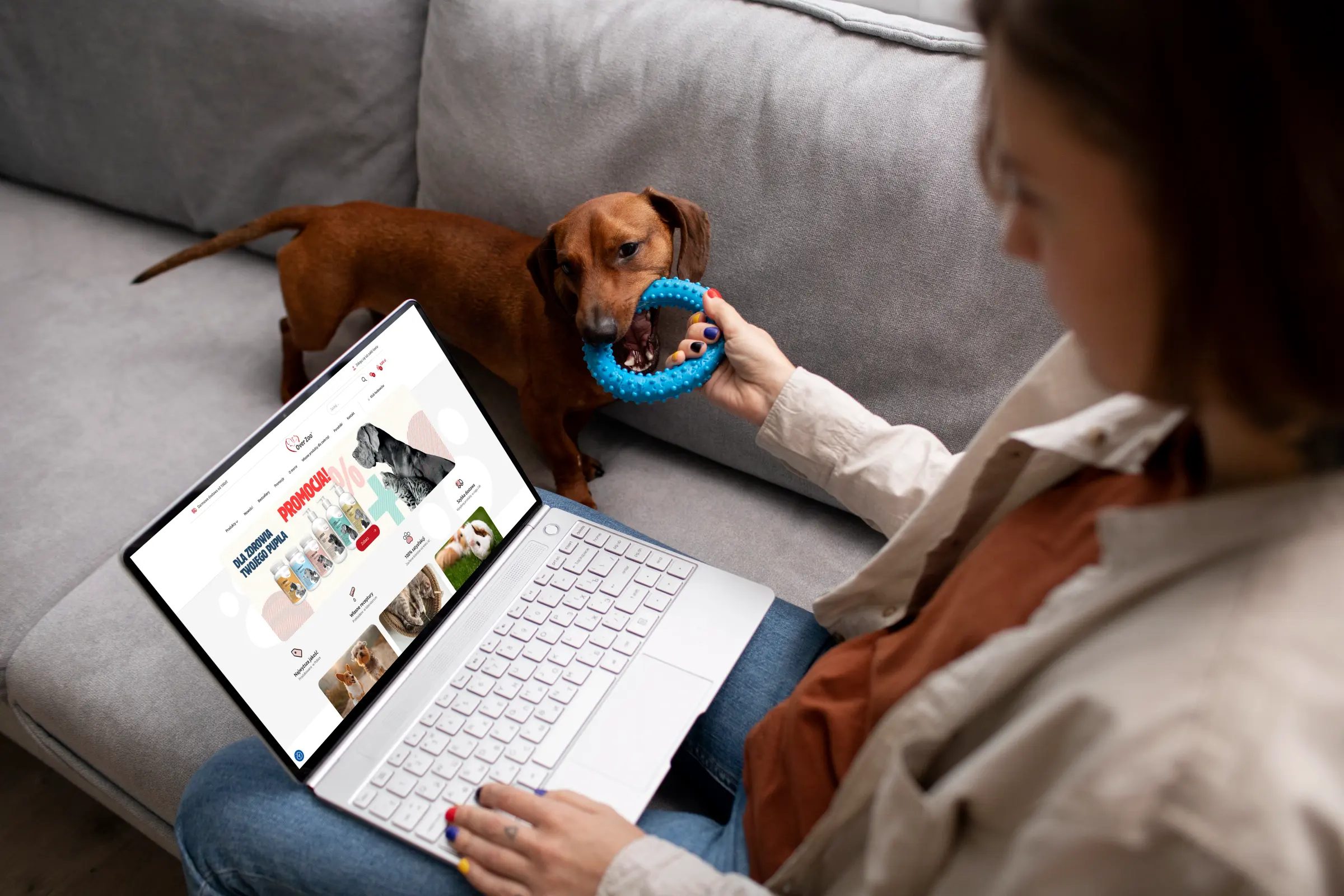
The previous homepage was a shop window: plenty of products, little direction. The new one starts with a single question — which animal are you buying for — and only then shows the range. The species tiles are the first screen, because that is the only decision the customer has to make straight away.
Below that the page falls into blocks with clear jobs: New for regulars who already know the rest, Bestsellers as social proof for newcomers, and a seasonal block that marketing swaps out themselves — collars and immune support in spring, something else in autumn. A trust strip closes them off: own formulations, made in Poland, laboratory tested, dispatch within 24 hours.
Each of those blocks is a separate component with its own settings, not a hard-coded section. A seasonal campaign does not need a developer — that was one of the main things the brand had been missing on the old platform.
A product page where customers compare ingredients and price per kilo
Food and supplements are bought differently from clothes. What decides is the composition, the dosage and whether the product suits a particular animal — so the product page runs from what it is for and what is in it, through how to use it, to size and availability, instead of hiding all that in a tab at the foot of the page.
Price comparability we handled separately. Where products come in different weights the price alone says nothing — a 2 kg pack and a 12 kg pack are two numbers nobody divides in their head. We implemented unit price calculation — per kilo, per litre or per 100 ml — shown both on the listing and on the product page.
Where a product is on offer, the price sits next to the lowest price of the last 30 days required by the Omnibus Directive. We treated that as part of the design rather than an obligation bolted on afterwards: the information is legible but does not compete visually with the current price, so the promotional message still lands.
The page closes with a “See also” block carrying products from the same category and line — in a range where preparations complement each other, that is a genuine source of a bigger basket rather than page filler.
A cart that calculates instead of merely adding up
The store offers free delivery over 100 PLN, and that is its strongest sales mechanism — provided the customer knows how much is missing. We designed a progress bar towards free delivery that shows the shortfall in the cart and updates on every change of quantity.
It is a small component with a disproportionate effect on average order value: instead of an abstract threshold buried in the terms, the customer sees a concrete “18 PLN to go” with suggestions right next to it that close the gap.
On top of that came a wishlist — in a store where buying is cyclical and choosing food can stretch across several visits, saving a product for later is a natural step in the journey, not an extra.
The checkout rebuilt step by step
In a migration the easiest things to lose are the ones you cannot see: the order of fields, the moments costs are recalculated, the error messages, how the form behaves when the delivery method changes. We wrote out the whole ordering process as screens and states, including the paths where something goes wrong — a failed payment, stock running out, an invalid postcode.
Only once documented that way could the checkout be rebuilt on the new platform without losing conversion. In parallel we simplified what could be simplified: fewer fields visible at once, delivery and payment choices in one view, and the order summary permanently visible beside the form.
Search that suggests as you type
With a catalogue where product names are technical, search stops being an extra. We implemented type-ahead suggestions — with thumbnails, price and category, so a choice can be made without ever reaching the results page.
The suggestions cover not only products but categories and recommendations matched to what is being typed. For a customer who knows the product name it is the shortest possible route to the cart; for one typing a symptom or a problem, search becomes a second navigation.
Stage 3
Implementation
and integrations
-

Catalogue import and data migration
-

Enova, InPost, imoje
-

Regulatory compliance
Importing products into the new category structure
The import followed the mapping prepared earlier, so products landed directly in the right branches instead of piling up in one bucket to be sorted by hand. Images, descriptions, attributes and stock levels came across with them.
A separate task was preserving the URLs: the store had built up visibility in search, and changing platform changes the URL structure. The old addresses were redirected to the new ones so the migration would not cost traffic from Google.
One order loop: store, ERP, carrier, payments
The store connects to Enova, which on the company side handles the warehouse, sales documents and stock — so an order from the store is the same order the accounts department sees, with nothing retyped by hand.
Shipping runs through an InPost integration, with parcel locker selection directly in the checkout and automatic label generation. Payments go through imoje, covering BLIK, instant transfers and cards. Added to that is support for flexible returns — the customer files a return from their account and the store walks them through it, instead of sending them off to an e-mail address and a PDF form.
The breeders’ club: a separate account role with its own discount
Beyond retail the store serves breeders, trainers and behaviourists — a group that buys regularly and in larger quantities. Registration takes two steps: an ordinary account plus verification of breeding credentials, and once that is confirmed the discount activates on the account.
In design terms that meant a second price list inside the same store: the same product pages have to show different prices depending on the role of the logged-in user, consistently on the listing, in the cart and in the order summary.
Compliance as part of the design
Beyond Omnibus the store had to handle the unit price information required for goods sold by weight and volume, the full set of pre-contractual information at checkout, and consents collected at the right moments in the journey rather than in bulk at the end.
We designed those together with the rest of the interface, because information duties bolted on after launch usually end up in the worst possible place — right next to the buy button.
In summary
over-zoo.pl is a project in which the migration is the least interesting part of the work. Moving products from Shoper to WooCommerce was a technical task with a known ending; the value came from deciding how the catalogue should be organised, what the homepage opens with, and exactly what the customer sees between adding a product to the cart and confirming the order.
The store now runs on WooCommerce, tied to Enova, InPost and imoje, with returns handling, Omnibus, unit prices and a separate account role for breeders. From the customer’s side what remains is a few simple things: faster search, a legible product page and a cart that tells you how much is left to free delivery — precisely the elements that move conversion and average order value.